AI Detector: How to Know if That Audio Is Real
Google's free tool now looks for invisible marks in files, and that changes what you do before forwarding.

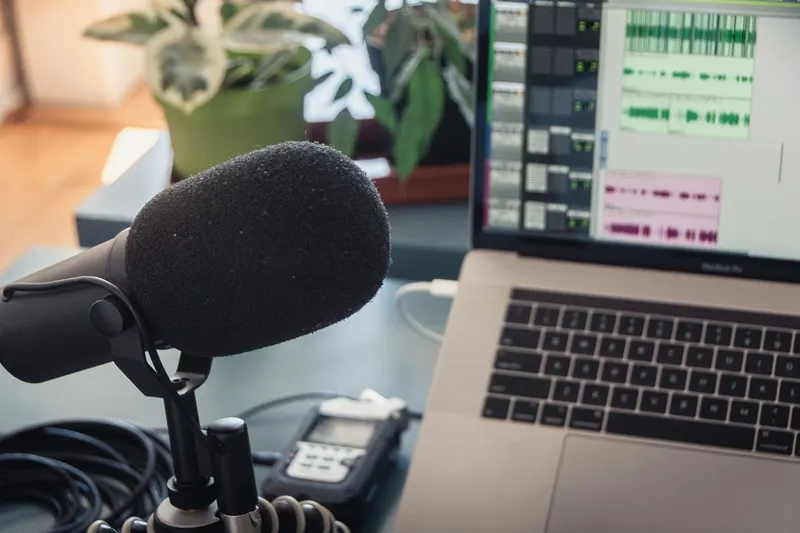
An audio arrives in the family group: the voice of someone you know, saying something urgent and out of place. No one recorded that. And before forwarding it, the uncomfortable question arises: what if that voice was made by a machine? Google's AI detector exists precisely for that pause.
It's not about distrusting everyone. It's about something simpler: the truth matters, and I can be the link that breaks it with a single tap. Lies weren't born with artificial intelligence; they were born in the human heart. The grace of Christ makes us people who love the truth, even when verifying it costs us.
A mark you can't see but matters
Google called its tool SynthID Detector. It works in the browser and is free: you sign in with a Google, OpenAI, or Apple account, and upload the file, whether it's an image, video, or audio. The service looks inside the file for an invisible watermark, placed since that content was generated with compatible systems.
«The mark informs about the origin of the file, not about the truth of the message.»
At Sígueme we already reported when it opened to the public. What interests me here is what comes after, when the file falls into your hands.
That's the point that changes everything: that mark is not a logo on top of the photo. In images it lives among the pixels; in sound, among its frequencies. You won't see or hear it. In videos and audios, the detector also points out which parts carry the signal, something useful when a file mixes pieces of different origins.
What the detector can't tell you
Here we need to pause. The absence of a mark doesn't mean the file is authentic: it could come from a system that doesn't use that technology, or go through such heavy editing that it erases the signal. The tool recognizes what compatible systems produce, not everything that circulates on your phone.
And there's a confusion worth clearing up. The mark informs about the origin of the file, not about the truth of the message. A real recording can contain a lie; a fabricated voice can repeat something true. The result tells you where the file comes from, not what to do with it. For that, you need something no app can provide: discernment.
"The simple believes everything, but the prudent gives thought to his steps." (Proverbs 14:15, ESV)
Three steps before forwarding
First, verify. If it's an image, video, or audio, run it through the detector and read the result with its limits: no mark is no certificate of anything.
Second, trace the origin. Ask the person who sent it where they got it. Look for the same content on an official account or in a named media outlet. If it only exists within message chains, there's reason to wait.
Third, care for the person who sent it. Many of those audios circulate in family groups, among uncles and grandparents who forward with good intentions. Responding calmly and explaining teaches more than a dry "it's fake." And you can also be that family member: the one who stops the hoax before it leaves the group.
"Therefore, having put away falsehood, let each one of you speak the truth with his neighbor, for we are members one of another." (Ephesians 4:25, ESV)
None of this is a call to paranoia, nor a promise that an app solves the problem. Tools help; the heart decides what it does with what it shares. This week, when the next strange audio arrives, take the pause: verify, ask, pray, and only then decide. Do you verify before forwarding?